01
Add your equipment
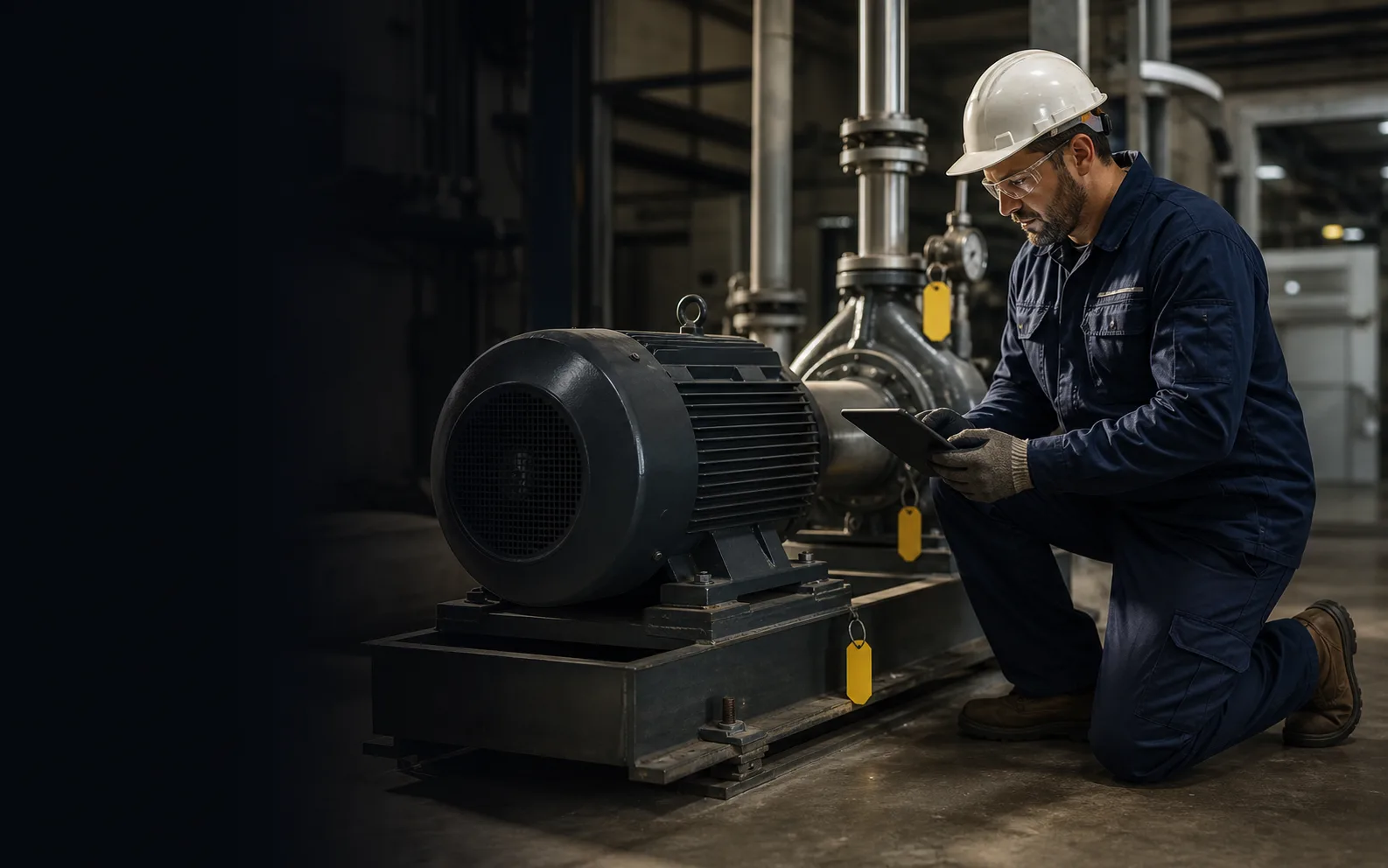
Keep the site, location, model, condition, importance, meter and service history together. A scan code takes technicians straight to the right asset.
Plan recurring maintenance, give every technician a clear job list and keep equipment history up to date—without spreadsheets, paper forms or a months-long rollout.
No card to explore. Transparent plans from $29/month. Native offline app is in early access.
One
daily job list
Any
phone or tablet
$29
starting monthly
Today’s priority
Needs attentionCritical pump has no technician assigned
This job is overdue and high priority. Assign it now so the next shift does not inherit the risk.
Work orders
Never miss scheduled work
Asset records
Find every repair in one place
Parts control
Know what is in stock
Reliability
See where time and failures go
How it works
PreventiveHQ keeps the whole maintenance day connected—from the first reminder to the completed job—so less work is missed and every repair makes the next one easier.
Keep the site, location, model, condition, importance, meter and service history together. A scan code takes technicians straight to the right asset.
Plan maintenance by date or meter reading. Choose the due date, priority, technician and checklist; PreventiveHQ creates the upcoming job automatically.
Every work order includes the job scope, safety notes, equipment history, checklist and readings in a mobile-friendly view that is easy to follow.
Technicians record what they did, the time spent, parts used and how they checked the result. Required steps are completed before the job can close.
See repeat failures, repair time and preventive maintenance completion without digging through old forms or relying on someone’s memory.
Critical, overdue and unassigned jobs rise to the top, alongside new requests, risky equipment and low-stock parts. One click opens the work that needs action.
Built around the field
The fastest way to ruin maintenance data is to make the person doing the work navigate a manager’s reporting system. PreventiveHQ separates the field task from the planning surface while keeping both on the same record.

Simple field app
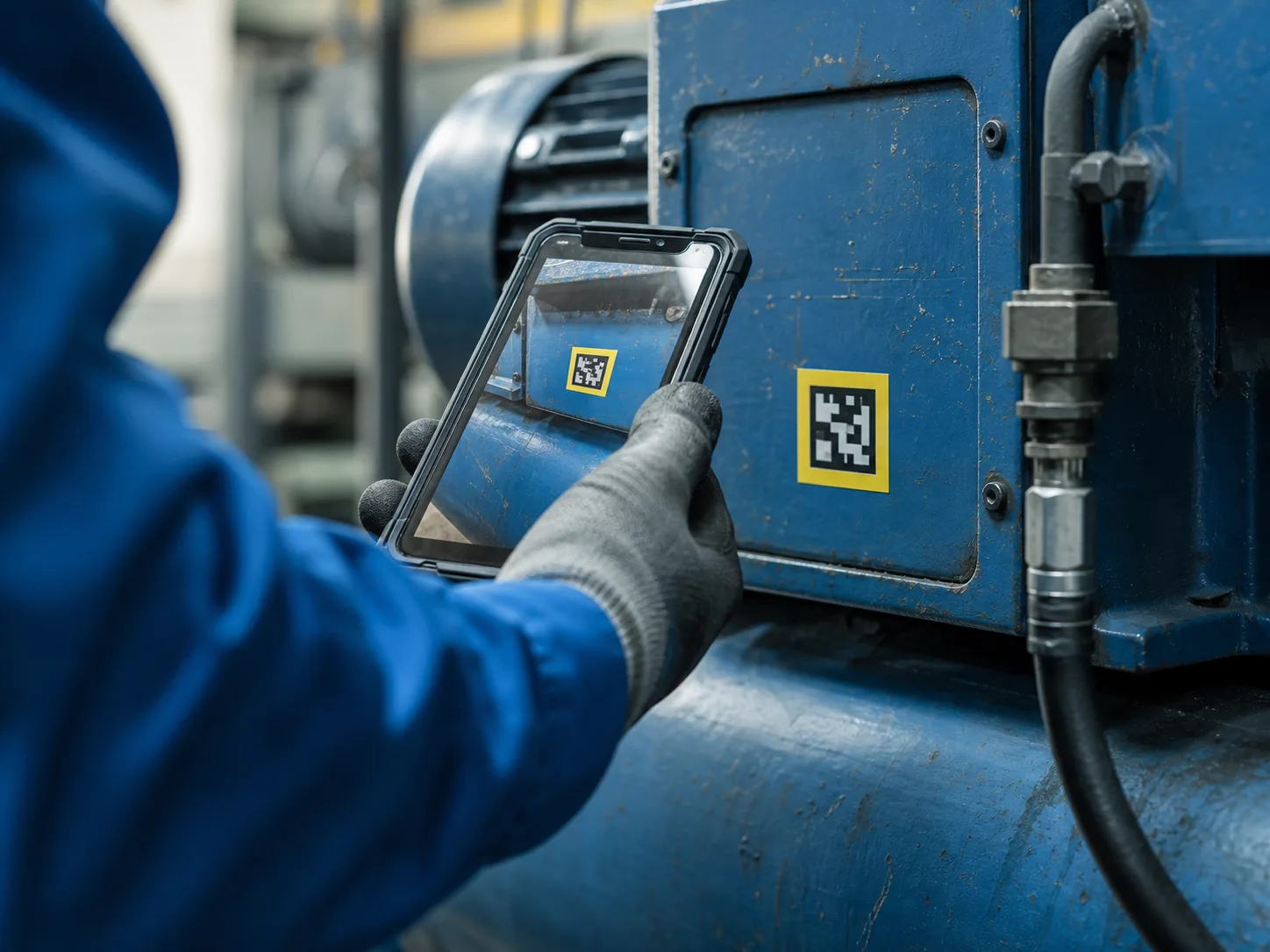
Four clear destinations cover the technician’s day. “Today” shows assigned and urgent work. “Scan” opens equipment or parts instantly. “Work” keeps the checklist, timer, readings, photos and parts together. “Assets” puts history and manuals in reach without a trip to the office.
Mobile release status: the web app works on phones today. The dedicated iOS and Android app is in early access while technicians test it across real shifts and low-signal areas.
Work anywhere
Basements, plant rooms, remote sites and large yards do not always have reliable reception. The mobile app is designed to let technicians create work, follow checklists, add readings and finish jobs without waiting for a connection.
Changes wait safely on the device and sync when the connection returns. If two people changed the same job, PreventiveHQ shows what happened and asks for a decision instead of quietly erasing someone’s work.

Keep team know-how
A note that only says “fixed” does not help the next technician. PreventiveHQ captures the repair while it is still fresh, so the team can see what failed, what was done and whether the fix worked.
Required checklist steps are completed before the job closes. The technician records the action, actual time and result. Breakdown work also captures the failure and root cause, giving managers a clean history they can trust.
Voice notes will make this even faster: describe the repair naturally, review the suggested fields and approve the final record. The technician always stays in control of what is saved.
Start every shift focused
Most dashboards show a wall of numbers. PreventiveHQ starts with the work you can act on now: critical jobs without an owner, overdue tasks, new requests, equipment at risk and parts running low.
The list stays short and each item opens the right job, request, asset or stock record. Supervisors can assign the next action quickly and explain why the crew is focusing there.
Simple reports show scheduled work completed on time, repair duration, repeat failures and equipment availability. When there is not enough history for a useful answer, the report says so plainly.

Everything the team needs
Replace the spreadsheet, paper checklist, storeroom notebook and status meeting with one connected view of equipment, work, parts and performance.
Keep each machine's location, condition, importance, warranty, readings and service history in one place.
Give every repair, service, inspection and safety job a clear owner, priority, due date and status.
Plan work by date or meter reading and let PreventiveHQ create the next job at the right time.
Guide technicians through the right steps and capture checks, readings, notes and photos as they work.
Give owners, planners, technicians and requesters the access they need without exposing everything.
See what is in each storeroom, what needs reordering and which job used each part.
Let staff report a problem from a simple link or QR code while your team controls priority and assignment.
See overdue work, repeat failures, repair time and equipment needing attention without building spreadsheets.
Practical inventory
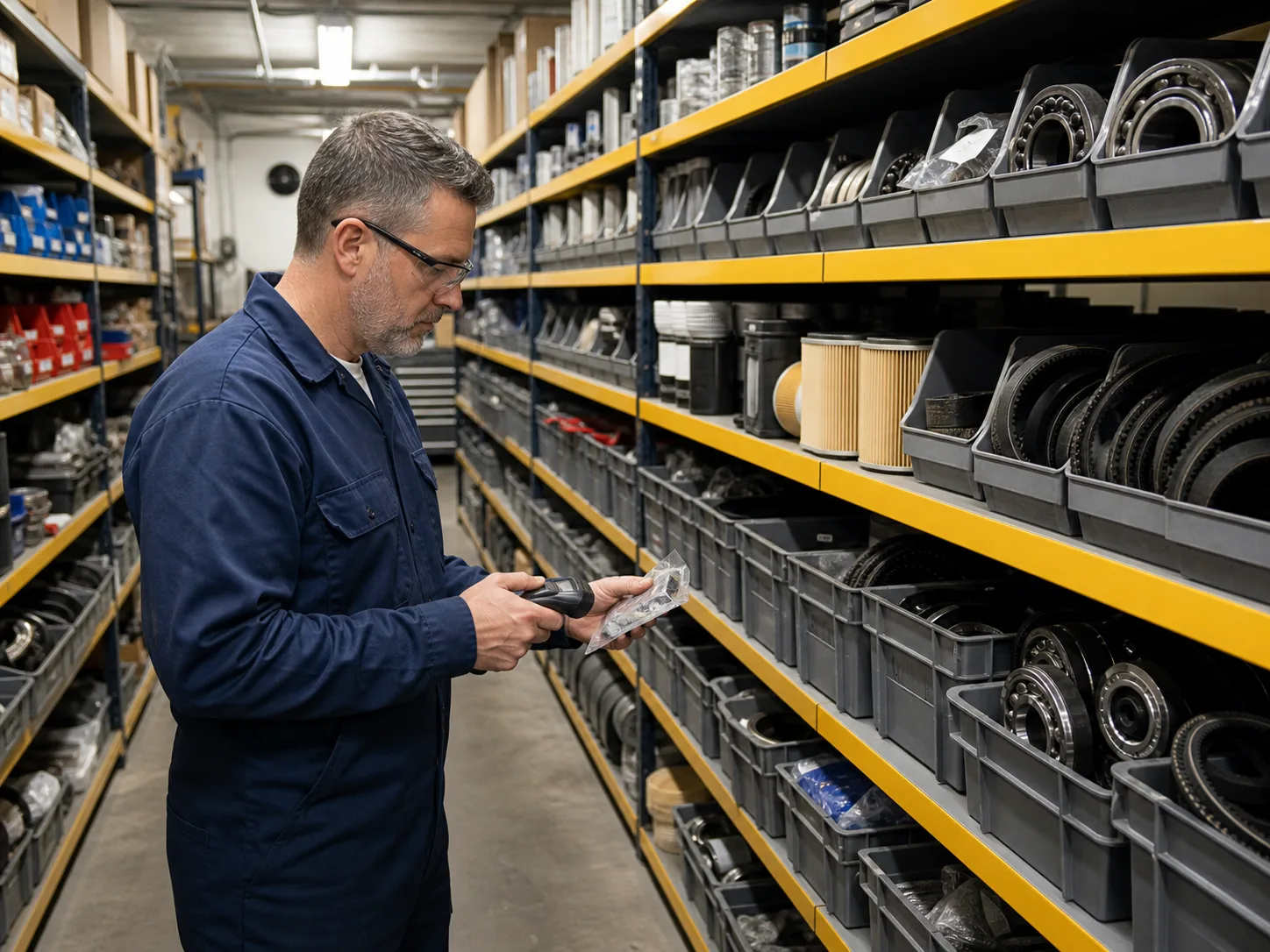
Maintenance inventory has a different job from a general warehouse system. The team needs to know whether a critical spare exists, where it sits, what is already reserved and which work consumed it. PreventiveHQ keeps the unit and cost beside reorder policy, vendor context and location-specific balances.
When a technician uses a part, the quantity updates immediately and the usage stays linked to the job. PreventiveHQ will not let stock fall below zero, so two people cannot accidentally claim the same last bearing. Managers can see which equipment is using parts and what those repairs cost.
Purchase requests, approvals, receiving, returns, repairable spares and supplier lead-time tracking are planned next. They will be labelled clearly as coming soon until they are ready for daily use.
For many maintenance environments
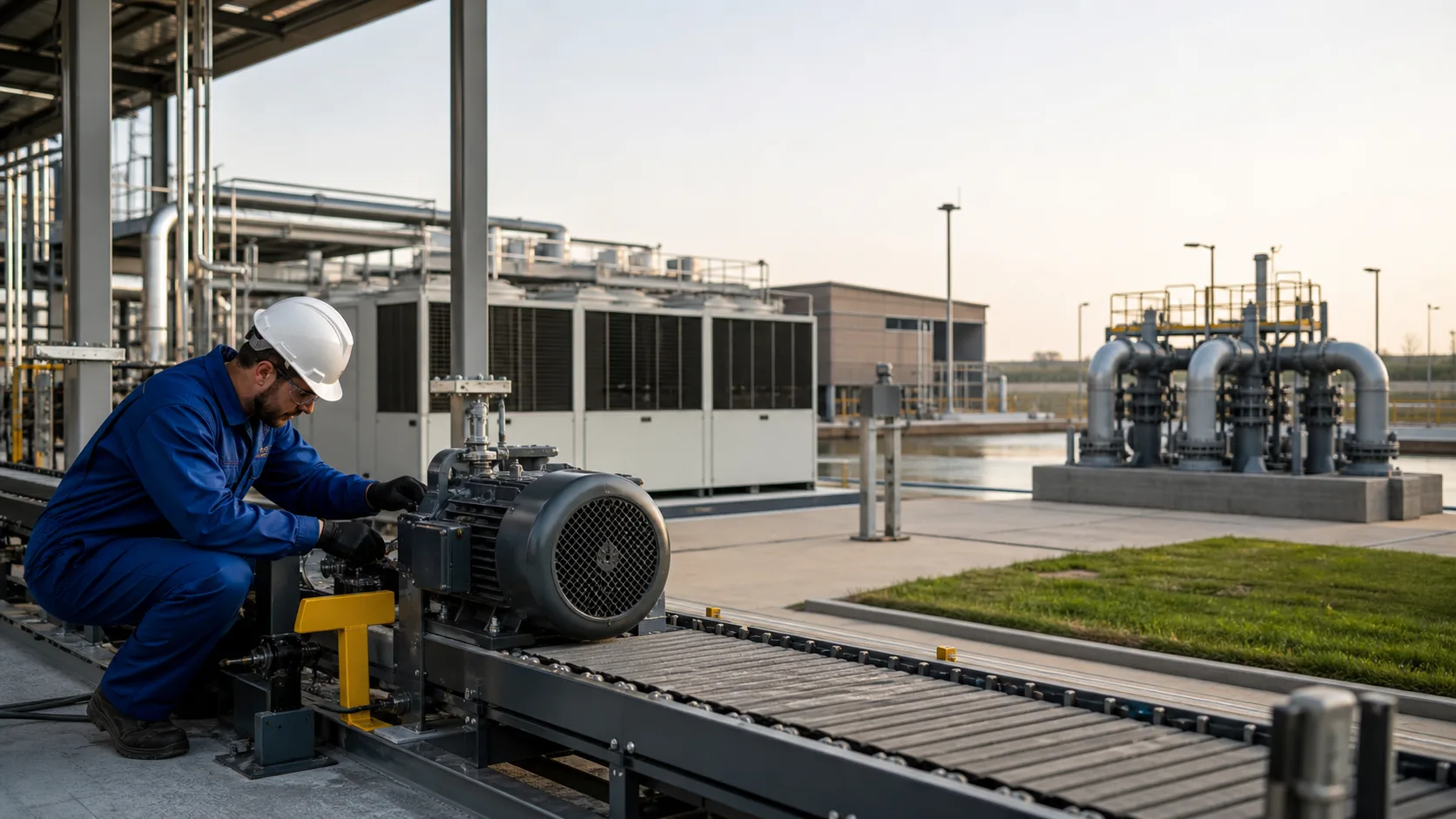
The basic job is consistent across manufacturing, facilities, utilities, fleet, property, food production and field service: identify a maintainable item, understand risk, define the right steps, schedule or request the task, record the result and confirm it is done.
What changes is the terminology, equipment structure and information required. A pump may use operating hours and vibration readings. A facility inspection may need photos and a pass/fail answer. A vehicle may use kilometres and an odometer check. A safety task may require isolation confirmation and a signature. Checklists and meter types handle those differences without forcing your team into a rigid industry template.
Transparent launch pricing
Every plan includes equipment, work orders, preventive schedules, checklists and maintenance requests. Higher plans add more sites, team members, inventory, reporting and integrations. No sales call is required to understand what each plan includes.
Starter
A focused team replacing spreadsheets at one site.
Operations
A growing team coordinating work, spare parts and multiple sites.
Reliability
A larger operation that needs deeper reporting, access controls and integrations.
Prices are USD per month before applicable taxes. Save two months with annual billing. Start without a credit card and choose a plan before the trial ends.
Buyer’s guide
A comparison spreadsheet often rewards the product with the longest feature list. That can hide the decisive question: can a technician understand and complete the work accurately during a real shift? Try the mobile path with gloves, poor signal, an unfamiliar asset and an interrupted task. Count the taps required to start, record a reading, add a part, take a photo and finish the job. Then disconnect the network and repeat. If the vendor says “offline” but only shows previously opened jobs, ask exactly what can be created, scanned, updated and completed.
An equipment list should support clear codes, sites, locations and equipment relationships without forcing a perfect structure on day one. Work must distinguish preventive, corrective, inspection and safety tasks, keep the checklist used for each job and retain history after equipment is retired. Ask what happens when two people update the same job, a schedule runs twice or a meter reading is entered incorrectly.
Managers often blame technicians for short notes, but the form usually encourages the wrong behavior. A giant free-text box produces “done,” “fixed” and “checked.” Better software asks for the right detail when it is known: a reading during the step, the part when it is used, the final check before completion and the root cause only for a failure. Required fields should be conditional and explain why they matter. Artificial intelligence can help structure a draft, but it must not invent a diagnosis.
A polished chart can still be misleading. If no preventive work was due, compliance is not zero; it is unavailable. If actual repair time is missing, average repair time is not trustworthy. Ask vendors to show how each number is calculated, how reopened jobs are handled, what counts as “on time” and whether an export matches the dashboard. Favor systems that admit when there is not enough information yet.
Per-user pricing can be reasonable for full-time planners, but it often discourages operators, requesters and occasional technicians from participating. Calculate the price with everyone who must touch the workflow, not only the maintenance office. Review implementation, training, integrations, support and data-migration fees. Check which features are confined to enterprise plans, especially offline access, integrations, change history, custom roles, reporting and multi-site controls.
Use the trial with the people who will rely on it, not only the person buying it. Ask an operator to report a fault from a QR code, a planner to turn that request into scheduled work, a technician to complete it from a phone and a supervisor to find the result the next morning. Then change the priority, reassign the job, run out of a spare part and attach a photo. Everyone should be able to see what changed without chasing an update through calls or messages. Also test a common mistake: the wrong equipment, an accidental reading or a job closed too early. Useful maintenance software makes the normal path quick and the recovery path clear. If a simple correction needs administrator help, that friction will grow when the whole team joins.
Do not begin by importing every historical row. Select one site or production area, its most important equipment, active parts and the next four to eight weeks of preventive work. Agree on status definitions and failure codes. Run daily feedback with technicians, correct confusing checklists and track completion quality. Expand only when the pilot crew would object to returning to the old method. Adoption is an operating change, not a software installation event.
Questions maintenance buyers ask
Preventive maintenance software helps a maintenance team service equipment before it fails. It keeps upcoming jobs, checklists, readings, spare parts, time and maintenance history together so everyone knows what is due, what to do and what happened last time. A CMMS also helps manage breakdowns, requests, stock and reporting.
Yes. PreventiveHQ brings assets, preventive schedules, work orders, technician checklists, maintenance requests, spare parts and reporting into one simple system. It is designed to replace scattered spreadsheets, paper forms and disconnected team messages.
Both spellings refer to the same type of software. “Preventive maintenance software” is more common in the United States, while “preventative maintenance software” is also widely used. PreventiveHQ supports the same goal either way: completing planned work before equipment fails.
PreventiveHQ is for small and mid-sized maintenance teams that have outgrown spreadsheets but do not want a long, expensive enterprise rollout. Maintenance managers, planners, technicians, facilities teams and storeroom coordinators can all work from the same up-to-date information.
Yes. The web app works on modern phones and tablets, so technicians can open jobs, follow checklists and update work from the field. A dedicated iOS and Android app with offline work, QR scanning, photos and readings is in early access.
The native mobile app is in early access. It is designed to let technicians open, update and complete work when signal drops, then sync safely when they reconnect. We will only call it generally available after it has passed real field trials without lost work.
Choose the asset, how often the work should happen, when it is first due and who should own it. PreventiveHQ creates the upcoming work order automatically, includes the right checklist and moves the schedule forward without creating duplicates.
Each completed job records what was done, how long it took and how the result was checked. For breakdowns, the technician can add the failure and root cause. That gives the next technician useful history instead of another note that only says “fixed.”
Yes. Share a request link or place a QR code on the equipment. Operators, tenants or other staff can report the problem and urgency without a paid account, while the maintenance team stays in control of priority and assignment.
Pricing starts at $29 per month and is based on the size of your maintenance operation. Occasional requesters do not need paid seats. Monthly and annual plans are shown clearly before you start, with any applicable tax calculated at checkout.
Yes. Download the asset template, add your existing equipment and upload the CSV. PreventiveHQ checks the file before importing it and explains duplicate codes, missing sites or invalid fields so you can fix problems without damaging the live asset list.
Every company has a separate workspace with role-based access. Sensitive actions are protected, uploads are checked before use, public request forms are rate limited and important changes are recorded. Secure checkout is handled by Dodo Payments. More detail is available on the security page.
Start with one site, your critical equipment and the next month of planned work. Most teams can create a useful first schedule in one session, learn from technicians during the first week and add the rest of the operation area by area.
Build the maintenance habit
Start with one site, critical assets and the work already due. No card is required to explore the product.