Skip to content

Maintenance, finally connected

Preventive maintenance software built around your team's day.

Replace scattered spreadsheets, paper checklists and status messages with one clear system for equipment, schedules, jobs, technicians, parts and reports.

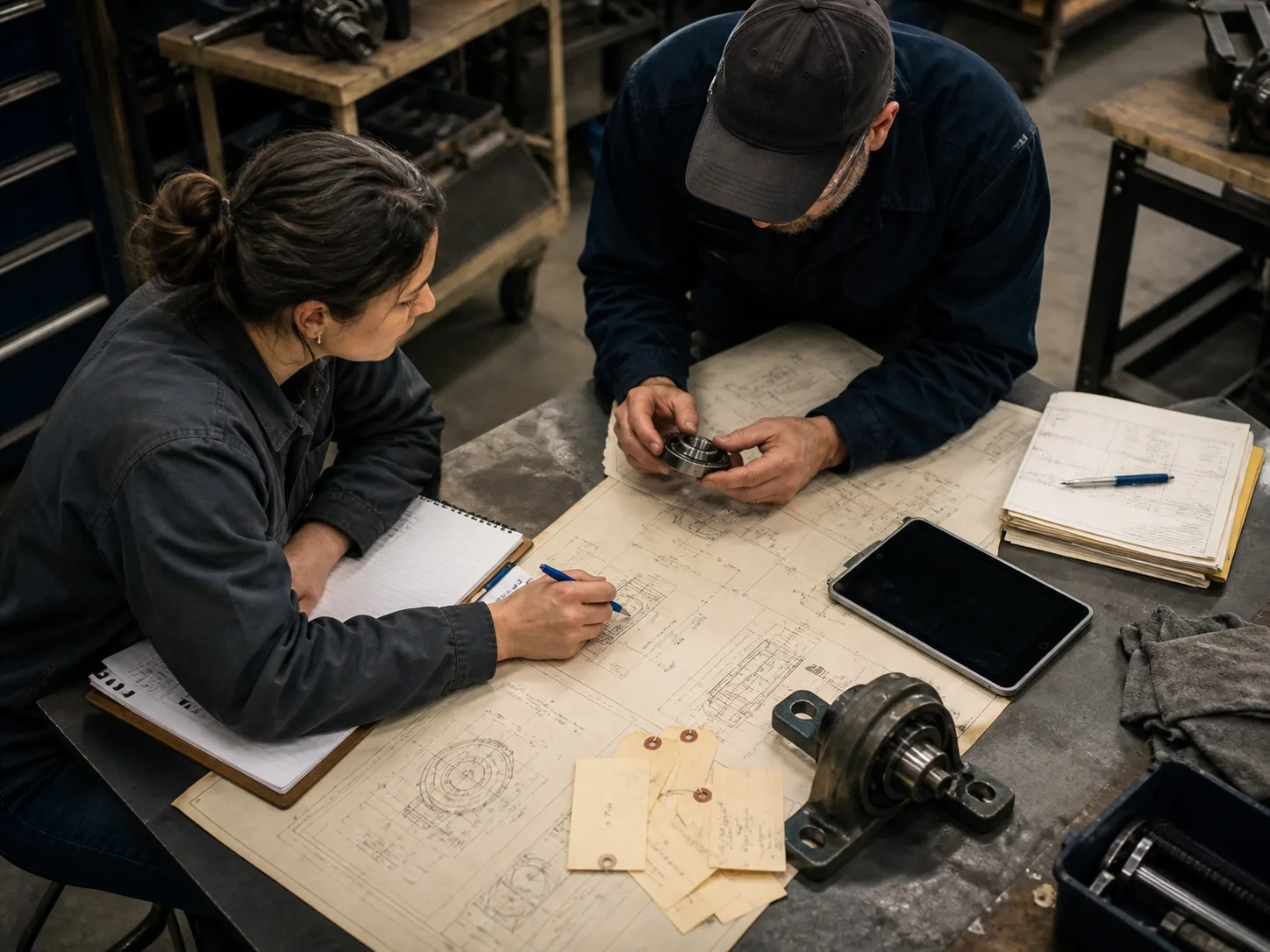
Maintenance planner and technician reviewing schematics, inspection tags and a bearing at a worktable

One connected maintenance system

Maintenance management software built around the jobs your team does every day

See what is included today, grouped by the work your team needs to complete. Features still in development are listed separately, so you always know what is ready before you start.

Assets and locations

Find the right equipment, its history and the work it needs without hunting through spreadsheets.

  • Multiple sites and locations in one account
  • Clear, unique equipment codes
  • Parent and child equipment relationships
  • Category, location, make, model and serial number
  • Running, limited, down and retired statuses
  • Low, medium, high and critical importance
  • Simple equipment risk rating
  • Commissioning, warranty and service dates
  • Hours, cycles, kilometres or miles
  • QR code for instant field access
  • Retire equipment without losing its history

Work orders

Plan, assign, complete and review every type of maintenance job in one place.

  • Easy-to-read work order numbers
  • Keep the site, equipment, request and checklist together
  • Priority, status, owner, due date and estimate
  • Clear job scope, expected result and safety notes
  • Open, in-progress, on-hold and completed states
  • Actual time, start time and completion time
  • Finish required steps before closing the job
  • Failure and root cause when relevant
  • Record the repair and how the result was checked
  • Spot jobs with incomplete completion notes
  • History of important changes

Preventive scheduling

Create recurring work automatically so servicing does not depend on someone remembering.

  • Schedule by calendar or meter reading
  • Repeat by days, weeks, months or years
  • Choose the first due date and advance notice
  • Set equipment, site, priority, checklist and owner
  • Create upcoming work orders automatically
  • One work order for each scheduled due date
  • See the last job created and what is due next
  • Keep the next service date on the equipment record
  • Pause and resume without losing schedule history

Checklists and job records

Give technicians the right steps and keep an accurate record of the instructions they followed.

  • Reusable checklists with version history
  • Ordered steps with clear instructions
  • Choose which answers are required
  • Checkbox, text, number, pass/fail and photo answers
  • Keep the exact checklist used on each job
  • Record who completed each step and when
  • Reopen a step without erasing its history
  • Helpful prompts for better completion notes
  • Voice-assisted notes planned with technician approval

Requests and scanning

Let anyone report a problem quickly without buying another seat or learning the CMMS.

  • Shareable maintenance request page
  • QR code can select the equipment automatically
  • Choose the correct site
  • Requester name and optional email
  • Normal, soon, urgent and safety priorities
  • Maintenance team controls review and conversion
  • Built-in spam and abuse protection
  • Your full equipment list stays private

Parts inventory

Know which spares are available, where they are and which repairs used them.

  • Unique part numbers
  • Units, costs and reorder levels
  • Preferred supplier details
  • Multiple storerooms by site
  • On-hand and reserved balances
  • Add an opening balance when creating a part
  • Prevent stock from dropping below zero
  • Full stock movement history
  • Link every used part to the job and technician
  • Low-stock items appear in the daily priority list

Reports and daily control

See what is due, what is slipping and which equipment keeps demanding attention.

  • Open work and 30-day on-time completion
  • Preventive work due in the next 14 days
  • Current equipment availability
  • Six-week work created versus completed
  • Critical, overdue and unassigned job list
  • New requests, risky equipment and low stock
  • Preventive maintenance completed on time
  • Average repair time from completed breakdown work
  • Completion-note quality
  • Repeat failures and repair hours
  • Clear “not enough data” message when needed

Mobile and offline work

Keep technicians productive in low-signal areas and make every sync problem visible.

  • Secure sign-in on approved mobile devices
  • Create and update work without a connection
  • Complete checklists and readings offline
  • Automatic retry when signal returns
  • No duplicate jobs after a retry
  • See and review conflicting changes
  • Clear waiting, synced and needs-attention states
  • Download only the latest changes
  • Useful error messages when something needs attention
  • Dedicated iOS and Android app in early access

Teams, security and support

Give people the access they need while keeping company data, billing and important changes protected.

  • Separate workspace for every company
  • Owner, admin, planner, technician and requester roles
  • A clear history of important changes
  • Secure checkout, billing updates and receipts
  • Account access stays correct when a payment changes
  • Simple email preferences and unsubscribe controls
  • Privacy-conscious product usage measurement
  • Carefully tested product updates
  • Automated service health monitoring
  • Helpful support from real people

Coming next

What we are building with early customers

These capabilities are planned or in early access. We do not count them as finished until maintenance teams have used the complete workflow in real conditions. Join the trial and tell us which one would save your team the most time.

Purchasing

Purchase requests, approvals, orders, receiving, returns and supplier performance.

Native mobile

Dedicated iOS and Android apps with offline work, scanning, photos, alerts and clear sync status.

Email-to-request

Turn an email into a maintenance request, keep replies together and update the requester.

Enterprise identity

Single sign-on, automatic user access, custom roles and company access policies.

Compliance packs

Approved templates, signatures, calibration records and audit-ready exports.

Condition signals

Bring in sensor readings, set limits and surface equipment that needs earlier attention.

Test the workflow with your real work

Add one important machine, its checklist and the next scheduled job. See whether it makes the work easier before rolling it out to the rest of the team.

Start 30-day trial