Meter-based maintenance software
Schedule service from actual equipment use.
Use hour, cycle, kilometre or mile readings to trigger maintenance and preserve the source of each reading.
For fleets and teams maintaining hour-metered equipment
No card required · plans from $29/month
Practical evaluation guide · Updated 7 September 2026
In this guide
A meter trigger is only as trustworthy as its readings
Usage-based maintenance schedules work from operating evidence: hours, kilometres or miles. Their advantage is that service can follow actual use. Their weakness is that a stale, misidentified or incorrectly scaled reading can make a schedule misleading while the application appears to work normally.

AI-generated editorial illustration; not a customer photograph or product screenshot.
Before enabling a plan, identify the source of readings, the unit, the frequency of updates and the person responsible for exceptions. A manual reading can be useful when it is current and attributable. An automatic reading can be wrong when mapped to the wrong asset.
Calculate the remaining usage explicitly
For an illustrative task next due at 1,000 engine hours and a current reading of 972.5, the remaining usage is 27.5 hours. A new reading of 1,003.2 puts the asset 3.2 hours beyond that trigger. Neither value establishes a calendar deadline unless you also have a defensible operating forecast.
Keep the approved service interval separate from this calculation. The software follows the schedule you configure; it does not determine an appropriate maintenance interval from the existence of a meter.
Test the failure cases before relying on automation
| Incoming reading | Review question |
|---|---|
| Same value and timestamp repeated | Is it skipped without duplicating maintenance evidence? |
| Older timestamp | Can stale data overwrite newer information? |
| Lower cumulative value | Was a counter replaced, reset or mapped incorrectly? |
| Large unexpected jump | Are the units, source vehicle and baseline correct? |
| No reading for several days | Who notices that the schedule may be using stale evidence? |
Do not reset lifetime usage simply to accept a new device's counter. Document the baseline and reconciliation decision. If the product does not provide the required reset workflow, resolve that limitation before turning on automated maintenance for the asset.
Samsara mapping in PreventiveHQ
The connector supports selected odometer and engine-runtime statistics. Map a provider vehicle ID to the intended maintenance asset and choose the supported reading source. Conversion happens into the asset's compatible unit. It does not import dispatch routes, diagnostic trouble codes or every Samsara data family.
Review Samsara's vehicle statistics contract alongside the PreventiveHQ setup guide. Verify one vehicle manually before mapping a fleet. If two sources have different baselines, do not treat their names as evidence that they are interchangeable.
Validate the complete maintenance cycle
In a trial, create one approved meter plan, supply a reading that crosses the due point and inspect the resulting work. Then complete the service and review the history and schedule state. Repeat with a stale reading. The acceptance test should cover both a due trigger and the absence of duplicate or regressive changes.
Use the pilot to establish freshness and reliable handoffs. A meter integration can reduce manual entry, but a short test does not demonstrate a reduction in failures or maintenance cost.
Choose a usage trigger that matches the maintenance basis
Meter-based maintenance software schedules work against a cumulative measure of equipment use. A vehicle may accumulate distance, while a generator accumulates engine hours. The value is useful because two otherwise similar assets can operate at very different rates. A calendar reminder treats both assets alike unless the planner keeps adjusting dates; a usage trigger can follow the recorded activity directly.
That does not make usage the correct basis for every task. Some maintenance requirements relate to elapsed time, exposure, storage conditions or a combination of factors. Review the actual maintenance requirement before selecting the trigger. The application should implement your approved plan, and the person configuring it should be able to explain why the selected measure is relevant.
Write down the source of the interval separately from the configured number. A task due every 250 hours should have an understood maintenance basis, an initial baseline and an owner. Without those details, a future planner may see a precise-looking threshold but be unable to distinguish an approved requirement from an old spreadsheet assumption.
Separate cumulative usage from the next service point
The current meter value represents recorded usage. The next service point represents a maintenance threshold. The interval describes the planned spacing between service points. These three values are related, but they are not interchangeable. Confusing them can create a schedule that appears mathematically consistent while being anchored to the wrong service history.
Suppose an illustrative generator reads 1,180 hours and its next approved service point is 1,250 hours. It has 70 hours of remaining usage before that point. Entering 250 as the current meter because the service interval is 250 hours would misrepresent the asset's history. Entering 1,180 as the next due point would make the task appear due immediately.
Before activating a plan, have a second person explain the configured values from the source records. Ask them to identify the current reading, the reading date, the last relevant service and the intended next threshold. This simple review catches a surprisingly broad class of setup errors without requiring a complex dashboard.
Make units visible throughout the workflow
A distance reading in miles and one in kilometres can both look plausible for the same vehicle. An engine-runtime source expressed in seconds can produce an enormous apparent jump if treated as hours. Unit errors therefore deserve explicit tests at import, mapping and review, rather than being left to the person who notices an unusual number later.

AI-generated editorial illustration; not a customer photograph or product screenshot.
Use a worked conversion during acceptance testing. A hypothetical provider value of 3,600 seconds corresponds to one hour. A value of 1,000 metres corresponds to one kilometre. The correct conversion for a supported provider field must follow that field's documented contract. Do not assume that all fields containing the word “distance” or “runtime” use the same representation.
PreventiveHQ converts supported Samsara statistics into compatible asset units. The mapping still needs a human check: confirm the selected provider vehicle, the selected statistic and the target asset. Conversion cannot repair an incorrect identity match. Keep a source reading and the resulting asset reading together in your pilot notes so another person can verify the relationship.
Establish a reading freshness policy
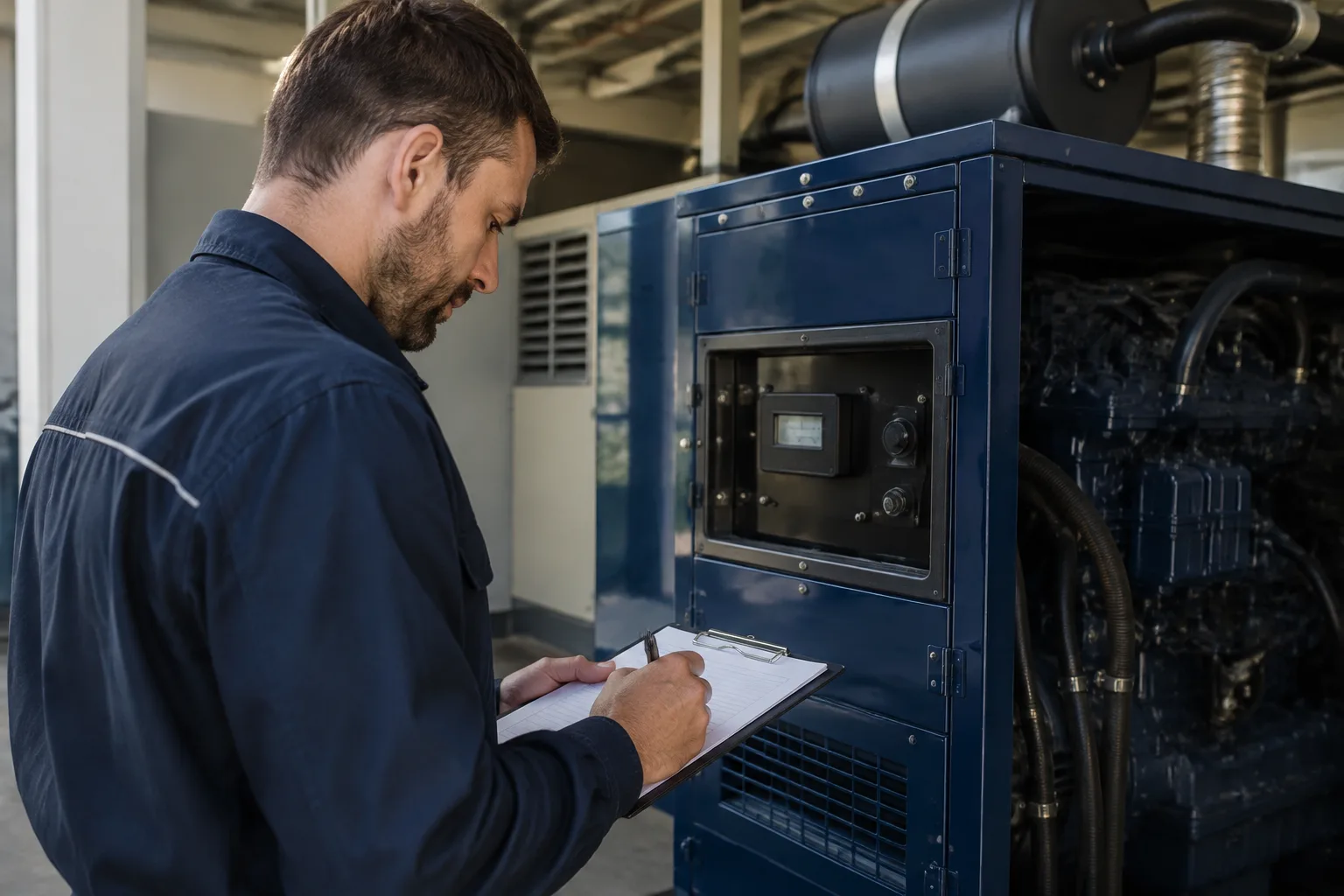
A meter schedule can only react to the evidence it receives. If the last reading is several days old, the asset may have crossed a threshold even though the displayed value remains below it. The scheduling screen can be technically correct about stored data and operationally misleading about current use at the same time.
AI-generated editorial illustration; not a customer photograph or product screenshot.
Choose a freshness expectation that fits the operating pattern. A heavily used vehicle may need a different review cadence from a standby machine that rarely runs. Define who investigates a missing update and what the team does while the reading is uncertain. Do not express freshness solely as “automatic” or “manual”; either collection method can deliver stale evidence.
During the pilot, deliberately stop updates for one test asset or use an isolated test record representing missing data. Confirm that the responsible person can identify the situation. If the system does not provide the exact freshness alert you require, document the review step that remains manual and decide whether that operating burden is acceptable before scaling.
Handle counter replacement without rewriting history
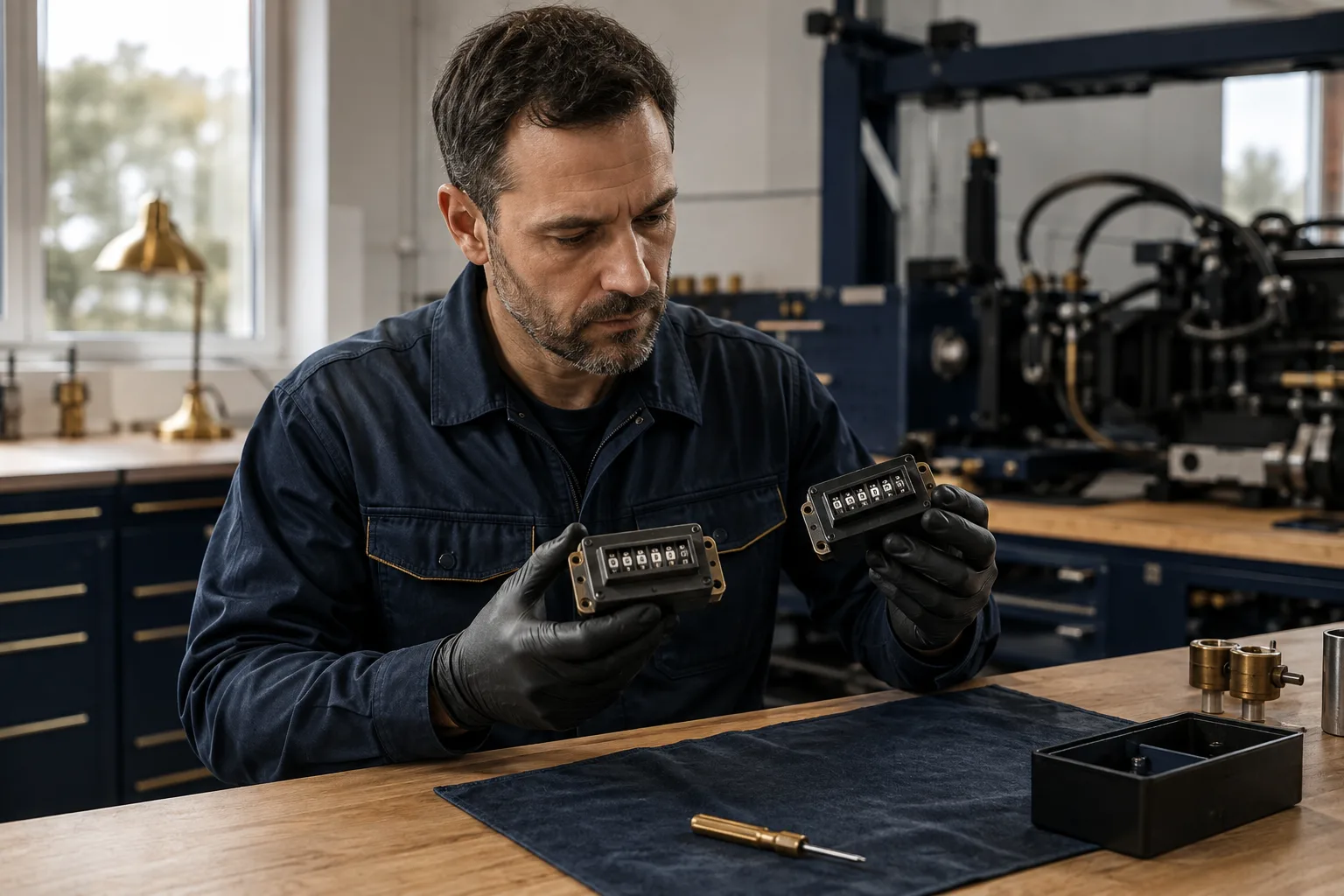
Meters and telematics devices can be replaced. A new counter may start at zero while the equipment has already accumulated years of use. Treating that lower value as the asset's new lifetime usage can move maintenance thresholds in a misleading direction and disconnect the current schedule from historical records.
AI-generated editorial illustration; not a customer photograph or product screenshot.
Preserve the old reading, replacement context and the basis for any reconciliation. The team needs to distinguish a physical device counter from the cumulative usage used by the maintenance plan. Do not solve the problem by repeatedly editing numbers until the application accepts them. That can hide the very event a later reviewer needs to understand.
PreventiveHQ's Samsara ingestion skips lower cumulative readings rather than silently regressing the asset meter. That behavior protects against one class of bad update, but it is not a complete counter-replacement workflow. If counter changes are common in your fleet, test the required operational handling and resolve any product limitation before relying on fully unattended updates.
Map provider vehicles deliberately
An integration requires more than a valid API token. It must connect the provider's identity to the correct maintenance asset and use a compatible reading type. Similar display names, replaced vehicles and reused fleet numbers can make an apparently obvious match wrong. Use stable provider identifiers and review the physical asset context.

AI-generated editorial illustration; not a customer photograph or product screenshot.
Begin with one vehicle whose current reading you can independently verify. Save the mapping, run the supported synchronization and compare the resulting value with the source. Then inspect the asset's plan and maintenance history. Only after that complete path is understood should you expand the mapping to a larger group.
Keep an owner for mapping changes. When a vehicle is sold, a device is moved or an asset is retired, review the integration relationship as part of the same operational change. A correct mapping at launch does not remain correct automatically. Record why a mapping changed so later unexpected readings can be investigated with context.
Test duplicate and out-of-order updates
Network retries and repeated provider responses are ordinary integration conditions. A repeated reading should not create duplicate maintenance evidence or move a schedule backward. Similarly, an older timestamp should not overwrite newer usage simply because the response arrived later. These are practical acceptance cases, not obscure technical edge cases.
PreventiveHQ skips repeated, stale and lower readings in the supported connector flow. In a pilot, inspect the resulting asset state after a repeated synchronization and confirm that the history remains understandable. A successful connection message alone does not demonstrate that the duplicate-handling behavior is correct for your mapped assets.
Also test a provider error without repeatedly changing configuration at random. Confirm the token permissions, selected source and mapping first. Keep credentials out of screenshots and shared troubleshooting notes. A connector that reports a failure safely should leave the team with enough context to investigate while avoiding an accidental exposure of the token itself.
Distinguish a due threshold from a forecast date
Remaining usage can support a forecast when the team has a credible operating rate, but the resulting date is an estimate. If an asset has 60 hours remaining and usually runs six hours per day, a simple forecast suggests ten operating days. If next week's workload doubles, that estimate changes even though the maintenance threshold remains the same.
Keep the assumptions visible when using such forecasts for staffing or parts planning. A fixed calendar promise derived from a volatile operating rate can be more misleading than showing the remaining usage directly. Review high-use assets more frequently when their workload changes, and avoid presenting a calculated forecast as a manufacturer-defined service deadline.
This distinction is particularly useful when coordinating access. A planner can prepare parts and reserve a provisional service window while continuing to monitor the actual meter. The maintenance decision then uses both the approved threshold and the operating context, rather than treating an early estimate as permanent truth.
Connect the trigger to executable work
A due trigger is only the start of the maintenance workflow. The resulting work still needs the correct asset, procedure, owner and completion evidence. If the team creates a meter plan but has no process for reviewing generated work, automation can make a backlog grow more consistently without improving execution.
Test the complete cycle with a small, controlled example. Configure the plan, provide a reading that reaches the threshold, inspect the work created or made due, assign the responsible person and complete the task using the appropriate procedure. Then review what the system records and how the next service state is established.
Pay particular attention to late completion. Ask what happens when work is performed after the nominal threshold, and whether the next service point follows the intended scheduling rule. Different operational policies can produce different next-due expectations. Verify the actual product behavior instead of assuming that every meter scheduler uses the same baseline convention.
Compare manual entry, telematics and broader condition monitoring
Manual readings can work well for a small asset group when somebody owns the collection routine and can verify the value. Their main burden is consistency: readings must be gathered, attributed and entered at a useful cadence. A simple process with reliable evidence can be more operationally useful than a complicated integration nobody monitors.
Telematics can reduce repeated entry for supported vehicles and fields. It introduces different responsibilities, including provider access, device coverage, mapping and exception handling. PreventiveHQ's Samsara connector supports selected odometer and runtime data. It does not provide a general promise to ingest every diagnostic, location or condition-monitoring signal available from the provider.
Broader condition monitoring is a separate evaluation. A vibration measurement, temperature trend or diagnostic event may require thresholds, analysis and specialist interpretation beyond cumulative usage scheduling. If those capabilities are central to the buying decision, test them explicitly. Do not treat the presence of a meter field as evidence of a predictive-maintenance system.
Measure the integration's operational contribution
Start with measures the pilot can actually establish: how many mapped assets receive valid readings, how fresh those readings are, how many exceptions require investigation and whether due work appears correctly. These measures describe the reliability of the new process. They are more defensible in a short pilot than a claim that the connector has already reduced breakdowns.
For an illustrative group of 20 mapped assets, 18 receiving readings within the agreed freshness window represents 90 percent coverage for that observation period. Investigate the remaining two individually. They may have provider coverage issues, incorrect mappings, intentionally inactive status or genuine collection failures. Combining those cases into one unexplained success percentage hides the work needed to improve the process.
Measure manual effort with a consistent boundary. If the old method required collecting and entering readings, compare that whole task with synchronization review and exception handling in the new method. Counting only the automated import duration would omit the human work that still supports trustworthy data.
Use a staged rollout before mapping every asset
Choose a small group covering the units and sources you expect to use. Include one straightforward asset and one that represents a realistic complication, such as an older reading or a recently changed device. Document the expected result before running the test so that a plausible-looking output is not mistaken for a correct one.

AI-generated editorial illustration; not a customer photograph or product screenshot.
After the first successful cycle, have another team member review the configuration and evidence. They should be able to identify the source, unit, target asset, next threshold and exception owner without relying on the original implementer's memory. That is a useful test of whether the setup can survive ordinary staff changes.
Expand in controlled groups and keep the same checks. Use the Samsara integration guide for the supported connection, asset maintenance guidance for identity and history, and scheduling guidance for the work that follows. The purchase decision should rest on a complete, repeatable maintenance cycle using your equipment context.
What should a purchasing acceptance record contain?
Keep a compact record of the tested asset, provider identity, unit, source timestamp, imported value and expected maintenance threshold. Add the observed result of the due-work test and the name of the person who reviewed it. This gives the team a reusable reference when expanding the connection or investigating a later discrepancy. It also helps distinguish an integration defect from an incorrect starting assumption.
Can a short pilot prove lower maintenance cost?
A short pilot can establish that readings arrive correctly and that the scheduling handoff works. Cost and failure outcomes usually require a longer observation period, comparable operating exposure and a clear definition of included costs. Preserve the baseline rather than assigning an immediate savings percentage to automation. If manual collection effort falls, report that measured change separately from any longer-term reliability hypothesis.